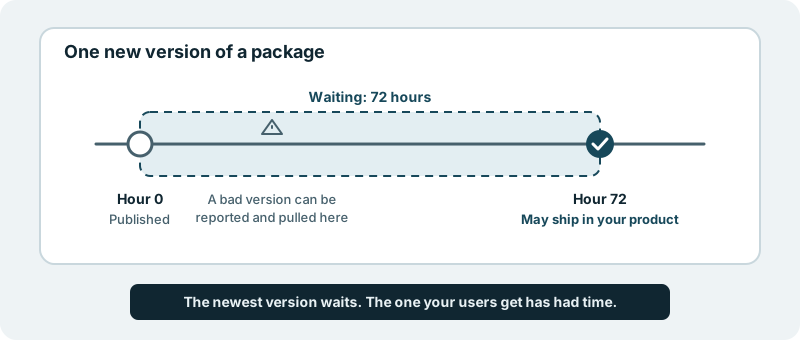
The newest version of a package is the one nobody has had time to look at. So it waits. Newly published versions of third-party packages wait 72 hours before they can ship in a product.
What you get
Your product stops being among the first to install a release that turns out to be poisoned.
Almost every modern product is built on open-source packages written by people outside your company, pulled in from public registries and updated often. If someone takes over a maintainer’s account and publishes a bad version, every product that upgrades straight away installs it.
This is not a thought experiment. On 8 September 2025, a version of chalk, a widely used JavaScript package, was published with code that tampered with cryptocurrency transactions, as recorded in GitHub’s malware advisory. A report of the compromise was opened in the project’s own repository within the hour, and the package registry’s own timeline shows a clean version replacing it that same afternoon. Attacks like this live in the gap between a version going up and someone noticing.
Fresh releases are kept out by default. A version published this morning is not something your product will run tonight. A bad version that is reported in its first days is gone before your product could pick it up.
Your team does not have to watch the news. Nobody on your side needs to follow security feeds over the weekend, wondering whether an alert concerns a package you upgraded yesterday.
The default leans careful. For something you did not write and cannot fully inspect, a few days of patience is a cheap insurance policy.
What it looks like in practice
A popular library your product depends on announces a new version on a Tuesday. Nothing happens to your product that day. By Friday, the release has been in the open for three days, other people have installed it, and anything wrong with it has had time to be reported. Only then can it become part of a change for your product.
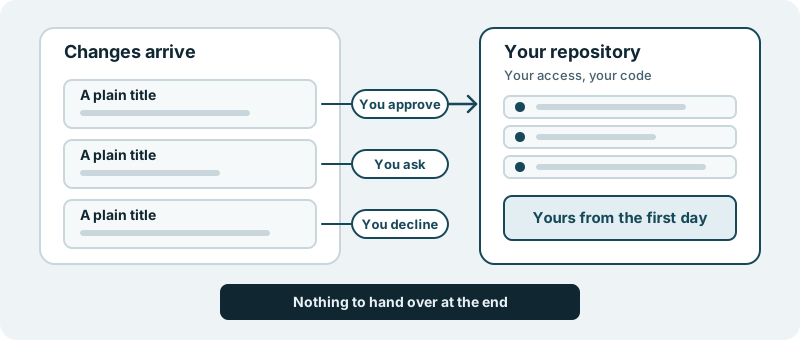
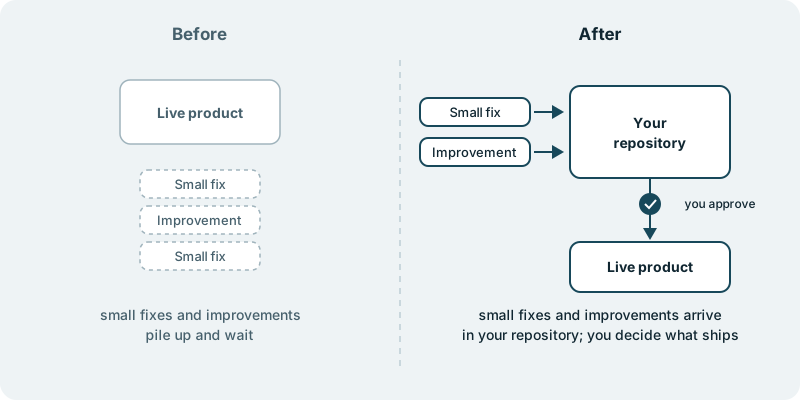
That change arrives where you can see it. You decide what ships. Nothing reaches your users without your approval. If you would rather hold an upgrade longer, or skip a version entirely, that is your call.
Most weeks you will not notice any of this, which is the point.
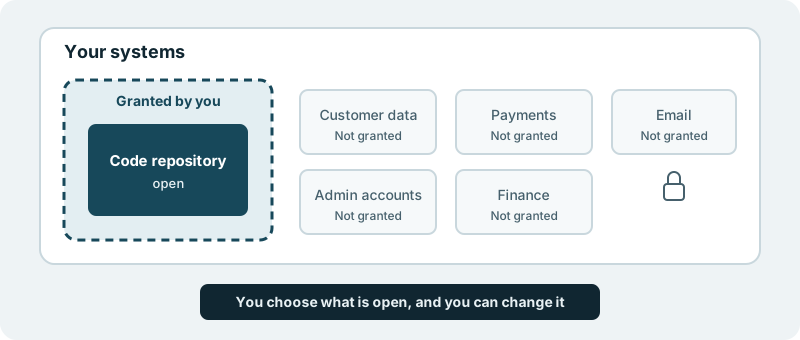
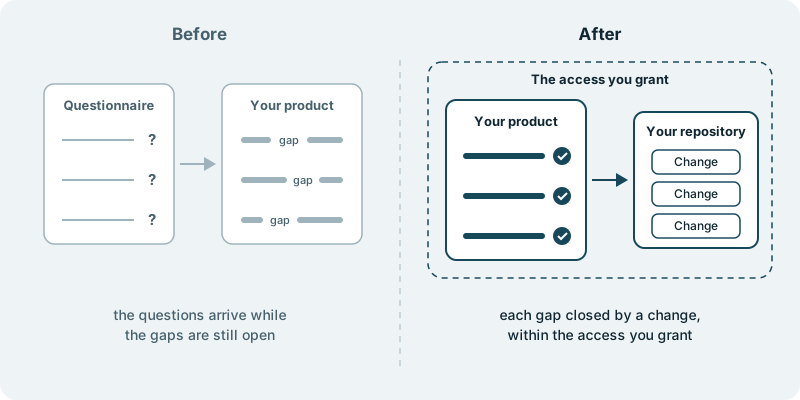
This ability pairs with working within the access you grant. That page is about what we can reach in your systems; this one is about what is allowed into your product from outside.
What it is not
It is not a security audit of your dependencies, and it does not scan your product for known flaws. It removes one specific, common risk, the brand-new poisoned release, and leaves the rest of your security practice where it belongs: with you.
Start with one product and see how the upgrades it receives line up against the newest releases. You will see a short, steady delay, and fewer surprises.