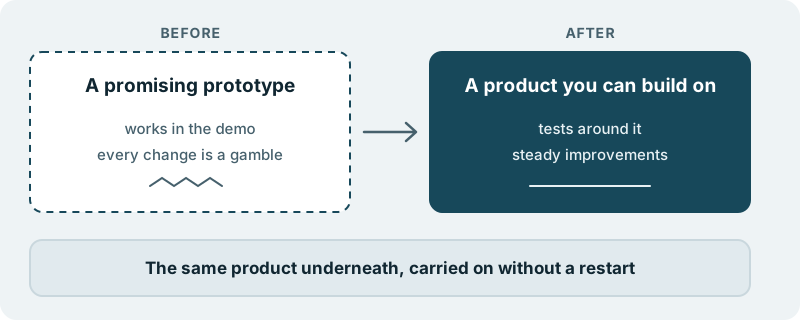
Many good products start on a hosted builder or a ready-made template. It was the sensible choice at the time: you had an idea to test, no team to build it, and a tool that let you put something in front of users without one. The product found its people. Now the tool that helped you start is the thing you work around.
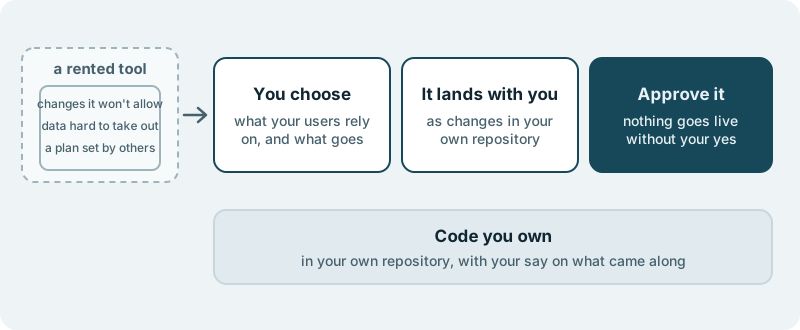
You know the signs. A change your customers ask for is not something the tool allows. A partner wants a connection the tool does not offer. Your records sit inside someone else’s product, and taking them out is harder than it should be. The price and the rules change on the tool’s schedule, not yours. Every roadmap conversation begins with what the platform will let you do.
What changes for you
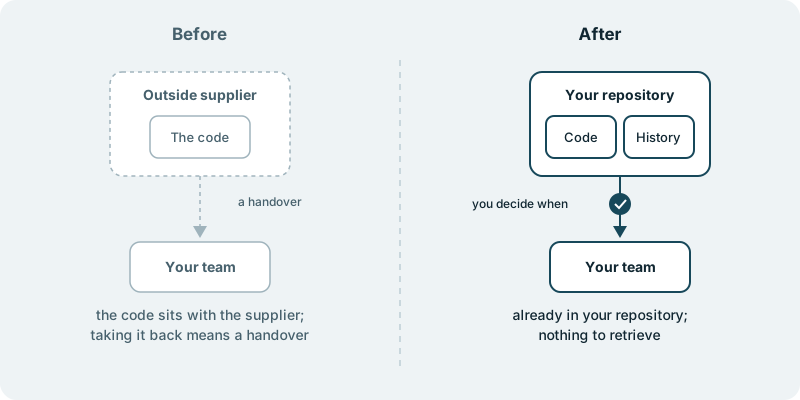
You move from renting a product to owning one. The work lands in your own code repository. The code we build for you is yours. Your next idea is weighed against what your users need, not against a list of features someone else decided to offer.
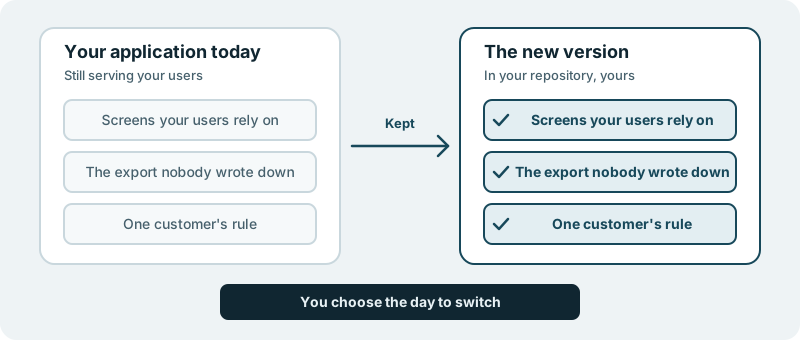
This is not a copy of what you have. A rented tool shapes a product in ways nobody chose: a checkout that works one particular way, a page layout that could not be changed, a login that was simply what came in the box. Moving off it is a chance to keep what your users rely on and let the rest go. You set the direction. We carry the work through to shipped software.
Where this fits
This is for products that have proved themselves on a builder, a template or a hosted platform, and now need room the tool does not give. The product works and has users. It is the ground under it that no longer fits.
If what you have is older custom software rather than a rented tool, rebuilding a legacy web application is the closer match.
What you decide
You decide what comes along. Name the parts of today’s product your users depend on, and the parts you have always wanted to change. That list is yours to set, and you can revise it as you see the new version take shape.
You decide the order. One product moves in a single step; another is better moved a part at a time, with the old tool serving users until each new part is ready. Both are reasonable, and the choice is yours.
You decide what ships. Nothing reaches your users without your approval. The old version stays in front of your users until you say the new one goes live.
What you see along the way
You see the new product appear as changes in a repository you own. Your engineers, or an engineer you trust, can open it, read what arrives and ask questions about it. See the work lands in your repo for what that gives you.
You see the decisions that are yours come to you with the question and a link, in plain words: whether a quirk of the old tool is worth keeping, which of two ways a page should work, what to do about a feature the old tool offered that nobody uses.
What it costs you in time
Your part is to say what matters, answer the questions only you can answer, and approve what goes live. Your current product keeps serving users while that happens.
If you want to stop
What has arrived is already in your repository, and it stays yours. Stopping does not undo the work you have approved.
If this is your situation
Start with a small first piece. Pick the one limit of your current tool that costs you most, and see what owning that part feels like before you decide on the rest. It starts with a conversation, with no obligation.