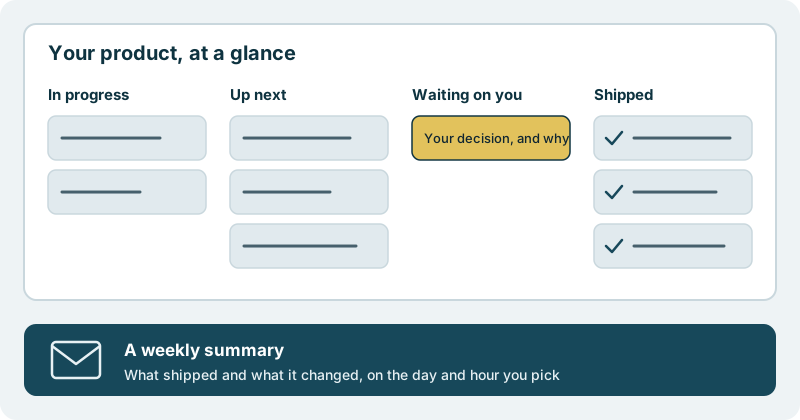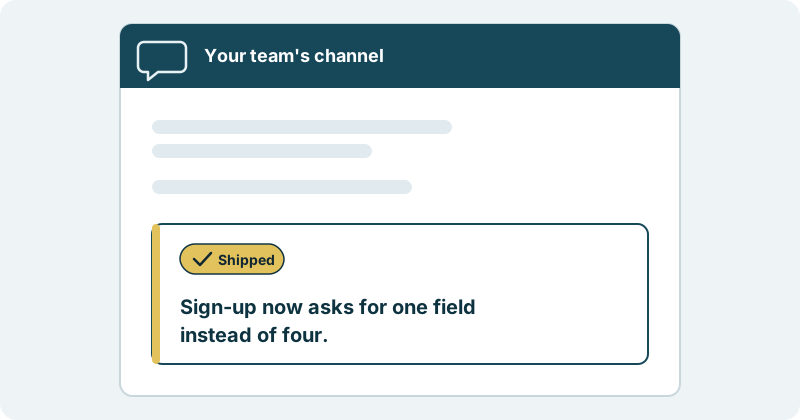
Shipped changes and alerts post to the chat tool your team already reads, or to any webhook. The news comes to the place where your people talk about the product, instead of waiting somewhere for someone to check.
What you get
You get one less place to look.
Most teams already have a channel where the product is discussed. Questions get asked there, decisions get nudged along there, and people keep it open all day. What usually lives somewhere else is the news that matters most: that a change has gone live, or that something needs attention. Someone has to remember to check, and then retell it in the channel, and by then half the team has heard a different version.
This ability puts that news where the conversation already happens.
Shipped changes, in the channel. When a change ships, a message says so in a plain sentence about your product. Support learns that the thing customers asked about is live. Sales learns what they can show in tomorrow’s call. You learn that the week is moving without opening anything new.
Alerts, in the same place. An alert reaches the channel too, so the people who care about your product see it where they already are. Nobody has to keep another screen open to catch it, and nobody has to forward it around.
Any webhook, for your own systems. Not every reader is a person. If your team runs its own tools, shipped changes and alerts can go to any webhook as well, so those systems hear the same news.
None of this moves the decisions. You decide what ships. Nothing reaches your users without your approval. A message about a shipped change is about something you already said yes to.
What it looks like in practice
Picture your product channel on an ordinary afternoon. A designer is asking about a colour. Someone from support has pasted a customer question.
Then a new message, marked Shipped: sign-up now asks for one field instead of four.
The support colleague replies to the customer who complained about the long form. The head of sales mentions it in a call. The designer sees the screen they drew is live. Nobody had to announce it, and everyone heard the same sentence.
For a product leader, the channel becomes a running record that your product keeps moving forward, week after week. For an engineering leader, there is no second place to watch beside the one the team already reads. For a founder, the people around you stay in step without another update from you.
You set the direction. We carry the work through to shipped software, and your team hears about it where they already are.
Where to start
Begin with a small first piece of work, and watch for the message in your own channel when it ships.