What changes for you
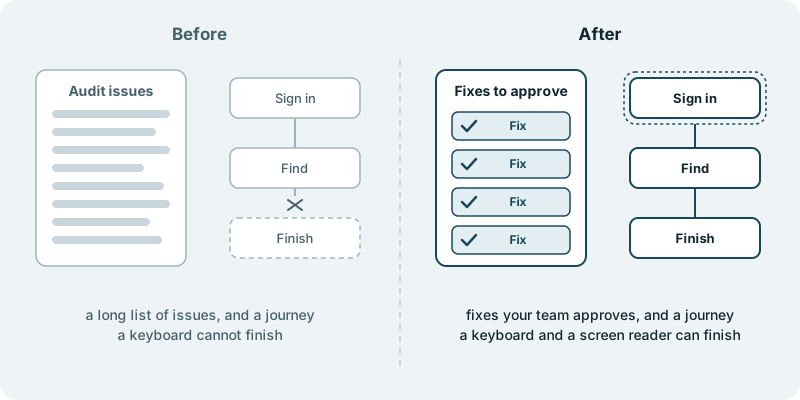
Your product becomes something real people can use with a keyboard and a screen reader. That is different from a report that says it should. A person who cannot use a mouse can sign in, find what they need, and finish what they came to do.
The European Accessibility Act applies from 28 June 2025. You can read it at EUR-Lex. For many products sold in Europe, it turns accessibility from a good intention into a date that has already passed. We do not interpret the law for you, and we never promise compliance. What the work delivers is a product that more of your users can use.
Your starting point may be a long list of issues from an audit, with no one who has the time to work through it. The work turns that list into changes. Each fix arrives in your repository in small pieces your team can read and approve, and then moves on.
The effect reaches past the people the law has in mind. Clear focus, sensible labels and readable contrast help everyone who uses your product on a small screen, in bright light or in a hurry.
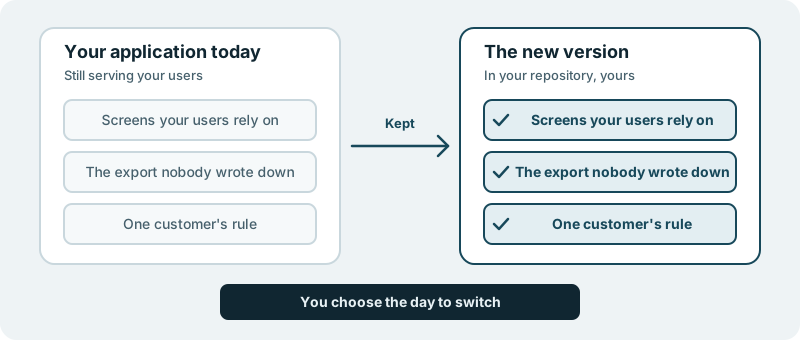
It lands in your own code repository, and the code is yours.
What you decide
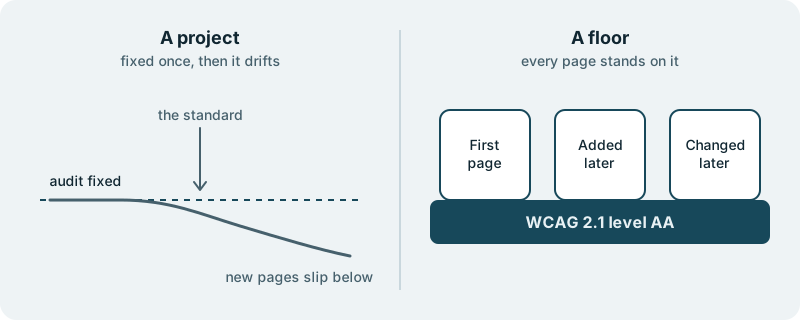
You decide the target. Level AA of the Web Content Accessibility Guidelines is the common choice. You can aim lower for a first round or higher for a part of the product where it matters most.
You decide where to begin. Sign-in, checkout, onboarding and the pages customers use most are natural first pieces. Rarely used corners can wait. If an audit has already been done, we start from its list and you choose the order.
You decide what visual changes are acceptable. Most accessibility work is invisible. Occasionally a colour has to change for contrast, or a control has to grow to be reachable.
You decide who takes part. You can have your own designers and engineers learn the standard by reviewing the fixes. Or you can have the work carried for you and handed over finished. Both work, and you can switch.
You decide how far to go in one step. A small first piece is a perfectly good way to begin. You see the result on one part of the product before you commit to the rest.
What you see along the way
You see fixes, not promises.
You see the product used the way your users may use it. A walk through your main journeys with only a keyboard, or with a screen reader, is something you can watch or do yourself. It shows plainly what a report cannot.
You see what remains. Some items need a decision from you, such as a design that cannot be made accessible without a change in what it shows.
If this is new to your team, start small. Choose one journey that matters, such as signing in or placing an order, and have it made usable with a keyboard and a screen reader. You will see from that one journey whether this is the right way to take your product further.